
Part 2: Substack Learning
Six Weeks of Substack Learning

This post is part of my bi-weekly economic resilience focus. Normally, I focus on my work in Africa, but I think Substack has global potential to facilitate economic resilience, connection and understanding for all. So, if you are on Substack to monetize your business or spread the word about something you are passionate about, be it from your desk in Vietnam, Kenya, Canada, or France, I hope my learning saves you time sharing your unique message.
This is Part 2:
If you missed Part 1, this is the link.
Six Weeks of Learning on Substack

I have spent too much time doing a deep dive into Substack. I know so because I have not watched one Netflix series in the past seven weeks. As a university instructor, I always tell my students that the best way to learn something is to teach someone else. So I am taking my own advice.
As I write and reflect, I also gain the opportunity to tweak and refine my own learning. In the last post, I realized I did not know how to change my URL to reflect my business name. I have now figured it out even without asking my friend Rebecca Dumas (I used her as an example last week). I do want to share a bit of a blip because it certainly took me more than 5 minutes, and I do not want that to be the case for you!!
I was also a little worried when I read about someone who deleted their entire Substack and could not recover it. I watched several videos to ensure I was doing it correctly.
If you are just starting out and do not have a dashboard website, start with the red highlight; if you have already been published, go to the purple.
From the Dashboard, go to your settings:
Scroll down to the danger zone…. That scared me a bit!
There will be two links
Change publication subdomain
There will be another one that says. This is no longer visible to me as I used it to change my subdomain.
Change your publication subdomain and transfer all previous posts (you can only do this once)
You have a main domain, mine is:
https://substack.com/@drjacquelinemcadam
My subdomain is now:
resilientgenerations.substack.com (if you put the https;//it will take you to the page, but I did not want it to take up too much space here….I am near my email length limit)
My challenge was the length of my subdomain. I tried to use my whole subdomain on my website:
Resilient Generations Psychological and Economic Resilience
It kept providing an error message. I kept trying. This is where the longer-than-5-minutes occurred. After many tries, I shortened it, and although Google Chat, etc., told me it would accept the longer version, it did not!
There is a defined character count, so keep it short and to the point. Give it some thought to ensure it reflects your unique message.
Please feel free to share your link in the comment section below once you have done it.
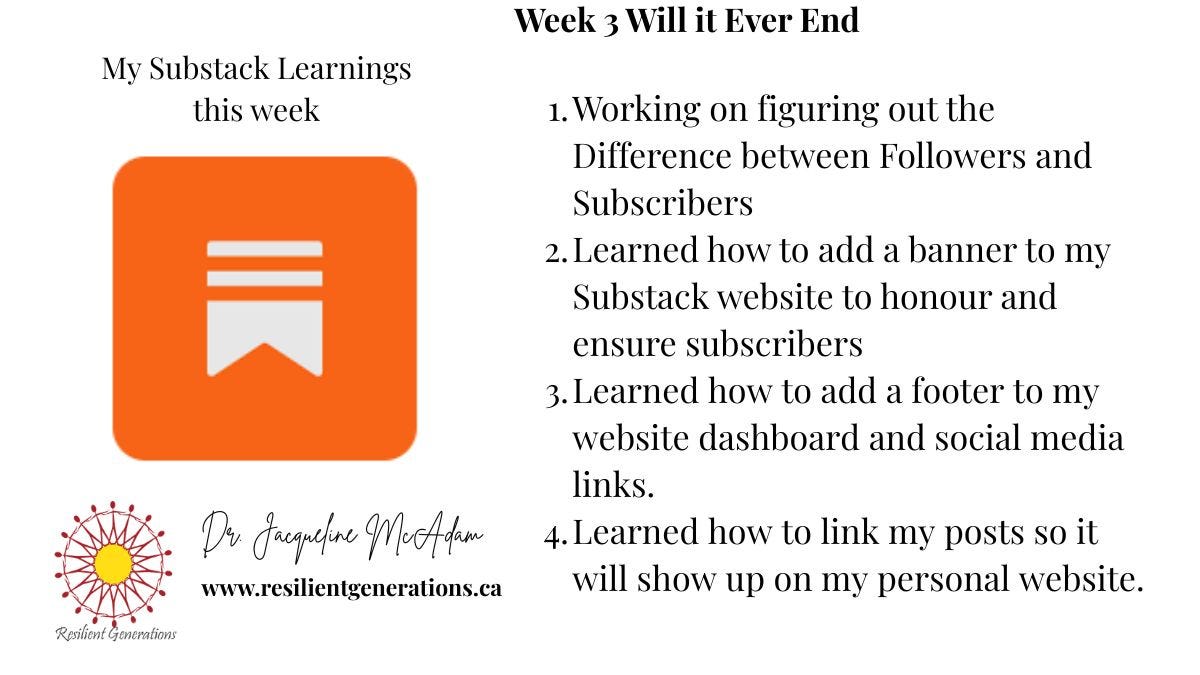
Week 3: 24 Subscribers (Up by 4) I will not be discouraged. 2 Paid Subscribers
There is a bit of a difference between Subscribers and Followers. Your post goes directly to your subscribers, whereas your Followers need to be on Substack to find you and read your work.
I have lost track of my followers and focus on my subscribers. I work to value their work, support where I can; these people are my community. As paid subscribers, they have a seat at my Substack dinner party and benefit from additional resources.
Learning how to put a banner on my Substack website was fun. This learning opportunity was provided by Jari Roomer
You can find the information here:

The same website editor you use to create the banner is also used to add to your footer (social media links, etc.)
Note, Notes, and Notes
Now I notice some website dashboards have links to notes. This is kind of important, and it provides context for anyone visiting your page to learn a bit more about you.
I am going to use Craig Youngkrantz as an example, as he has such great notes. But if you go to his Chapter 2, you will not find a link to his notes… and they are good. Here is an example of his Chapter 2.

So, how do you link this?
Go into your website dashboard, hit settings, and scroll down to website:
Make sure both Notes and Chats are turned on to enable both…
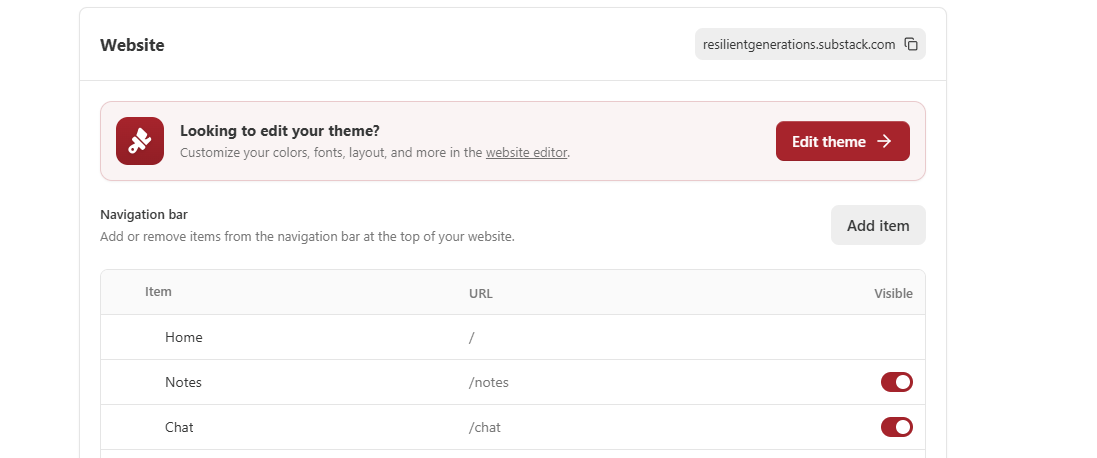
This is what mine includes:

Week 4: 31 Subscribers (Up by 7) 3 Paid Subscribers
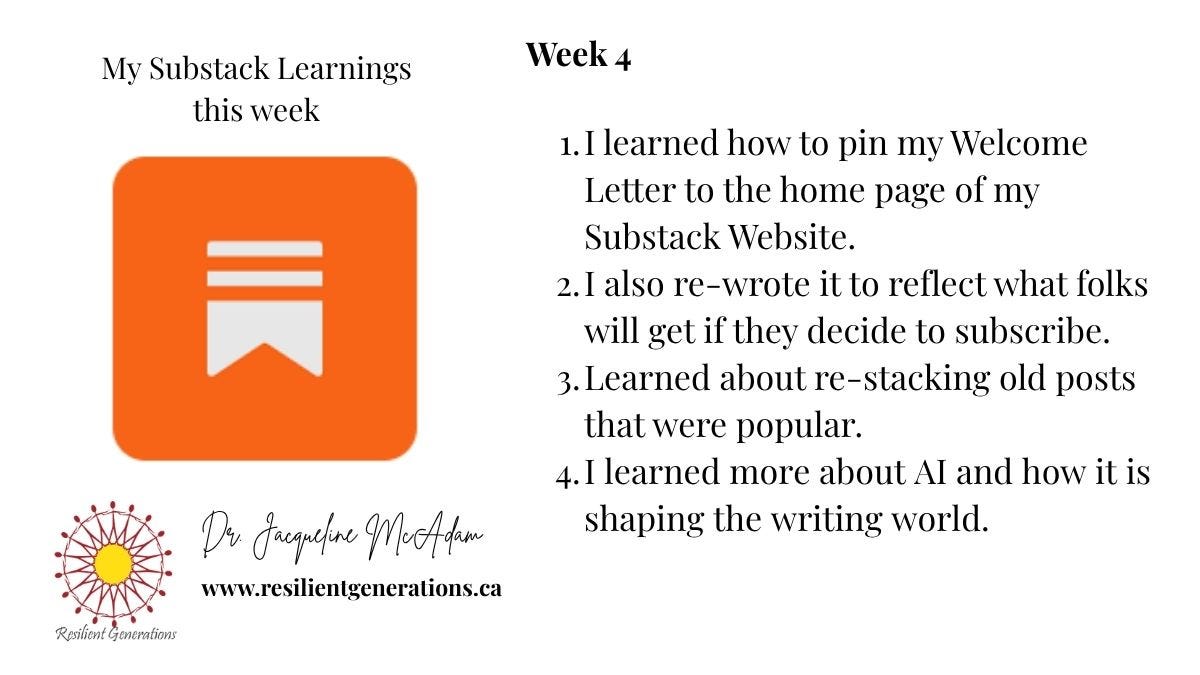
Pinning our Welcome Letter to the home page is quite easy, but it can be missed.
You just go into the post and click on the 3 … on the right side. A Dropdown menu will appear, and you click Pin to the Home page. If you have used more than one image, ensure the image that appears is the one you want your visitors to see. I had included an image of myself in my welcome letter, but removed it so the image of my book would appear.
You can check it out here:
https://resilientgenerations.substack.com/p/resilient-generations
Your welcome letter is important.
It is like the first handshake and the door to your Substack.
Readers need to know what they will get, not who you are (that is for your about page). I have linked my about page to my welcome letter for those who might want to know more about me.
Restacking, Restacking, and Restacking
I learned how to restack my popular old posts, but I also learned the importance of restacking others’ posts that align with my mission to help alleviate suffering and increase the ability for many more to thrive.
It has always been important to me to lead in a way that enhances others’ potential.
I taught Leadership in an MBA program for several years and was always drawn to leadership models that exemplified leaders who saw others’ potential and supported their growth. We need not be threatened by another’s success but rather rejoice in its ability to touch the lives of others and increase the potential for more people to thrive.
So, restack, you cannot do it all; it really does take a village. The expert model is a guru model that is ego-based and limiting.
Over the next week, find five people you subscribe to and promote them.
Restack, comment, make a difference in another person’s life, and you will grow equally.
Don’t believe me, try it!
AI, where do I begin…or end?
I use it and have defined boundaries regarding how I use it. I took the lead from several people on Substack about how to use AI for notes. I generated and felt the feeling. It felt like a Robot. That said, it did provide lead ideas and was a great brainstorming tool.
I do not have the answer here. This is a never-ending conversation. I have just discovered Mia Kiraki 🎭🎭’s account that was recommended by Tracy Friedlander. Mia’s website dashboard is called Robots Ate my Homework (I love the name). She has over 2.2 subscribers and just became a Substack bestseller (as defined in my Monday Substack Learning).
Well done, Mia!!!
This concludes Part 2 of my Six Weeks of Substack Learning. Part 3 will arrive in a couple of weeks. Part 3 will provide a list of Substack accounts that have really enhanced my learning, to show my gratitude, give a shout-out, connect newbies with those with far more experience, and expedite the launch process.
My intention with this 3-part series is to solidify my learning and help others manage the initial Substack overwhelm. My Monday Substack Learning will continue, but my consecutive posts will reflect my business focus on psychological and economic resilience. If you are reading my work for the first time and think it might interest you, I would love you to subscribe.
I hope you found something useful in this post and feel your time was well spent. If you have a minute, I would love to know what resonated with you. Please leave a comment below.

Very helpful!
What a nice guide for those that are just getting started on Substack :) Lovely!
Thank you so much for mentioning me too ❤️