
Six Weeks of Learning on Substack
Part 1: Beyond the Basics

I have spent too much time doing a deep dive into Substack. I know so because I have not watched one Netflix series in the past seven weeks. As a university instructor, I always tell my students that the best way to learn something is to teach someone else. So I am taking my own advice.
I am going to evaluate my learning and share it with you in three posts: Part 1, 2, and 3 (reaching my limit), and it might be overwhelming all at once.
I hope you find this useful; it saves you some time, and that you also share your insights and point out my blind spots and areas for additional learning.
This article assumes that you are set up on Substack and have both a notes page and a dashboard (website).
Do correct me if I am using the wrong terms.
For instance:
This is the link to my notes page https://substack.com/@drjacquelinemcadam
This is the link to my

Week 1: Review and Evaluation
10 Subscribers, 1 Paid, and 13 Followers
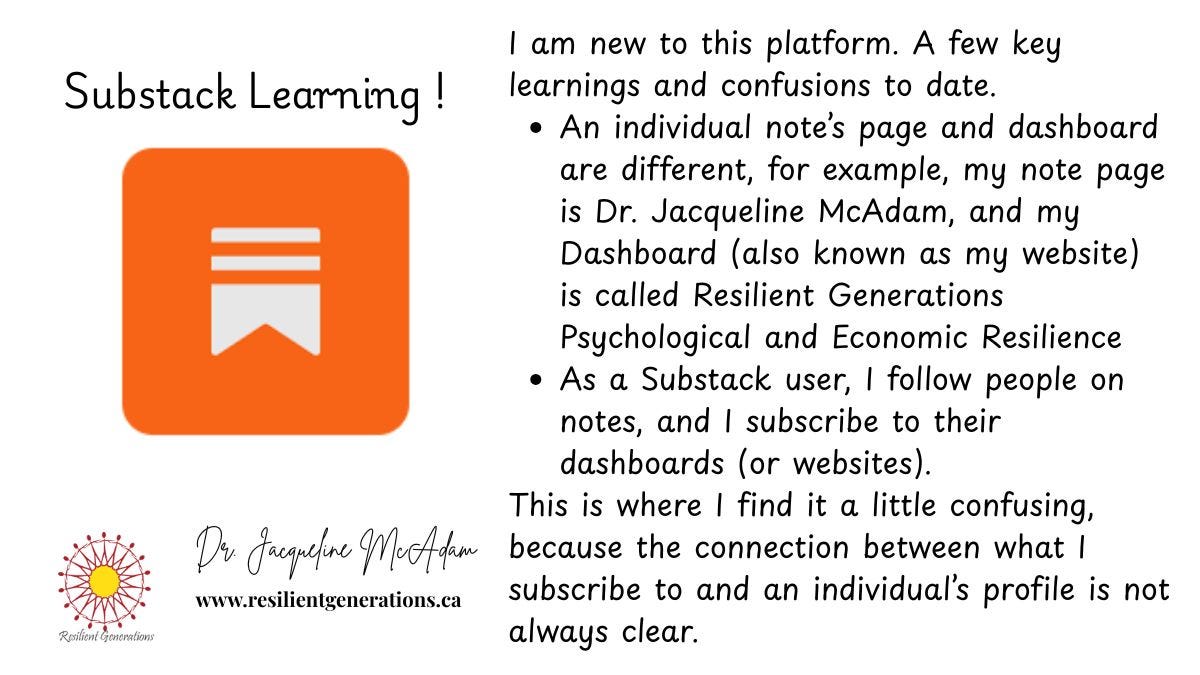
I now understand the difference between our notes page and my website. I have also become aware of the possibility of changing the URL on our website page to reflect your link.
For instance, let us look at my friend Rebecca’s setup.
Here is her notes page link
Here is her website dashboard link
Others I have looked at do not differentiate between notes and the website. Many of these people are not posting notes, but their long posts are situated on what would be defined as the notes page.
Here is an example from another friend
If you click the link above, you will find some great posts, but the website dashboard is missing.
Neither of these is right or wrong; they just serve different purposes.
It is up to you to decide what you want from your Substack account.
If you are here to promote your business goals, then I would suggest that both notes and the website dashboard are important.
My Key Learning:
I need to talk to my friend Rebecca Dumas and learn how she changes her URL
Week 2
Subscribers 20 (Up by 10) stopped counting followers, and 1 Paid Subscriber
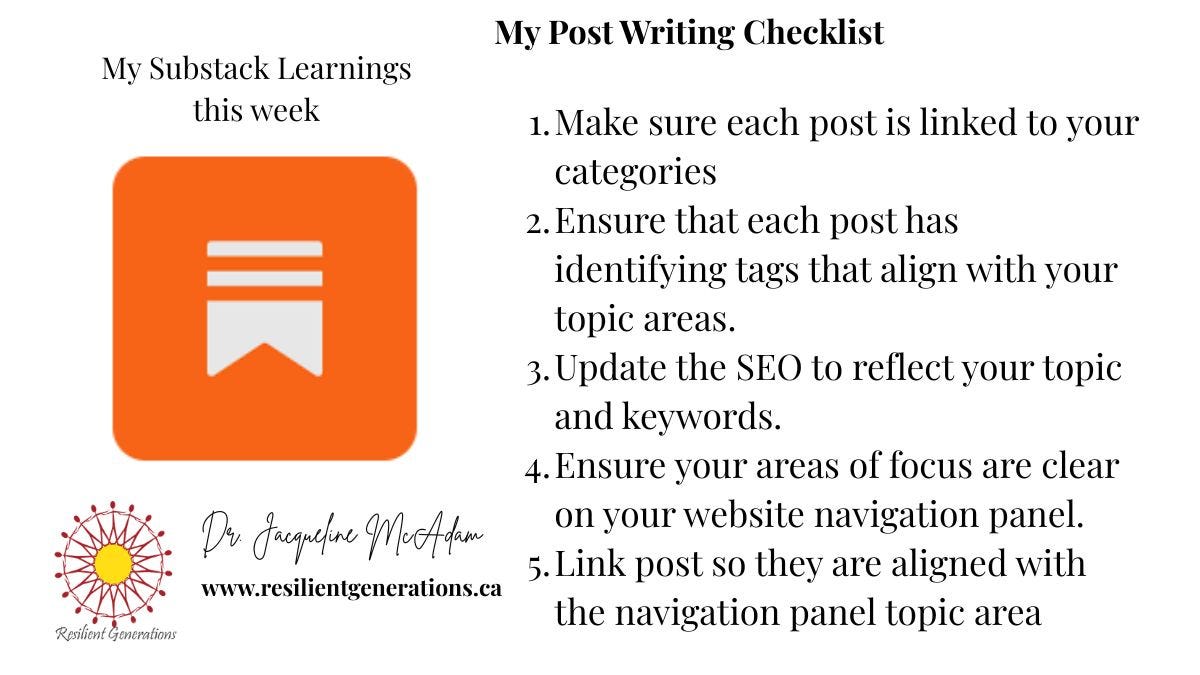
This week, I learned a great deal about categories and the importance of linking our long posts to tags and SEO.
To do this, you need to get to your Substack dashboard and go to the bottom to “Settings. About 5 headings down, you will see Categories

The complaint I have heard is that the categories are too broad. For instance, Health and Wellness is a broad umbrella term that encompasses alternative health, physical health, medical health, and psychological health. I personally would like more categories to differentiate topics to a greater degree.
Because I write on psychological resilience (I choose Health and Wellness) I also write on economic resilience in relation to my work in Africa (I choose International).
Then scroll all the way down to the navigation bar. Based on the two areas I write about, I chose to add them to my website dashboard.
I also linked them to my categories.

They now appear on my website so visitors can learn what I write about.

You can see I have added a few more such as, Postpartum Depression (linked to a Support Group) and Resilient Resources (Resources for Paid Subscribers)
Here is another example from BadRedhead Media (Rachel) I have learned so many things from Rachel. I also ordered her book, 30-Day Book Marketing Challenge, another resource for those of you who are marketing a book.

There are many links that help you easily find what you are looking for and also identify her BadRedhead Media (Rachel) niche.
To create topics on the navigation bar, you can do it through the Navigation bar (Add an Item) or scroll down to tags, create the topic areas, and link them to my categories, then add them to the navigation bar. I realized mine was not quite right, and by teaching you, I have just fixed it.
You can see how mine are linked below.
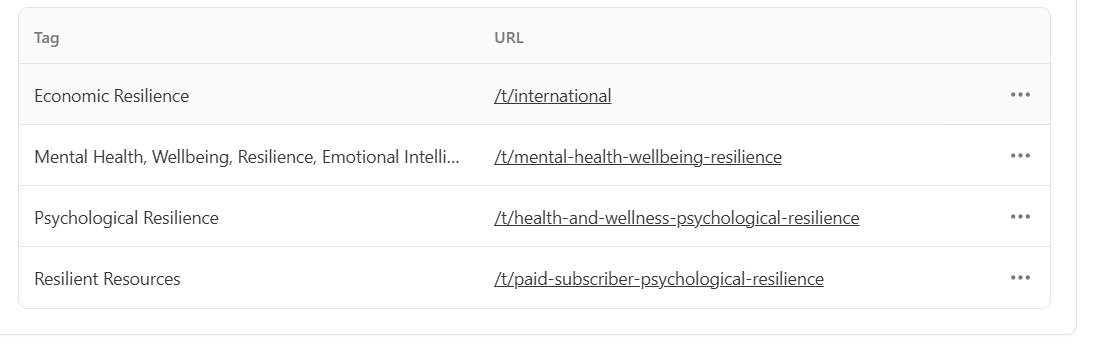
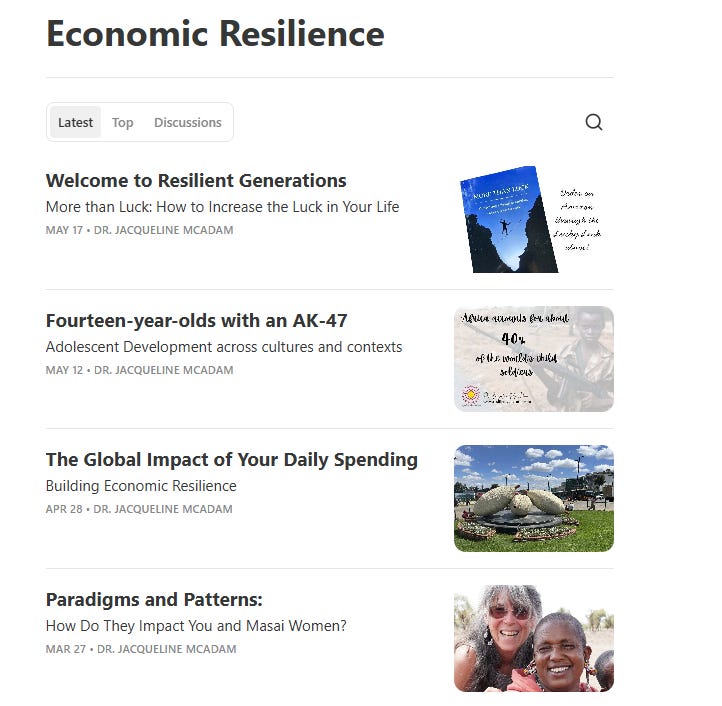
This means that once you click the link in the navigation bar, all the posts related to that topic appear.
Here is the example:
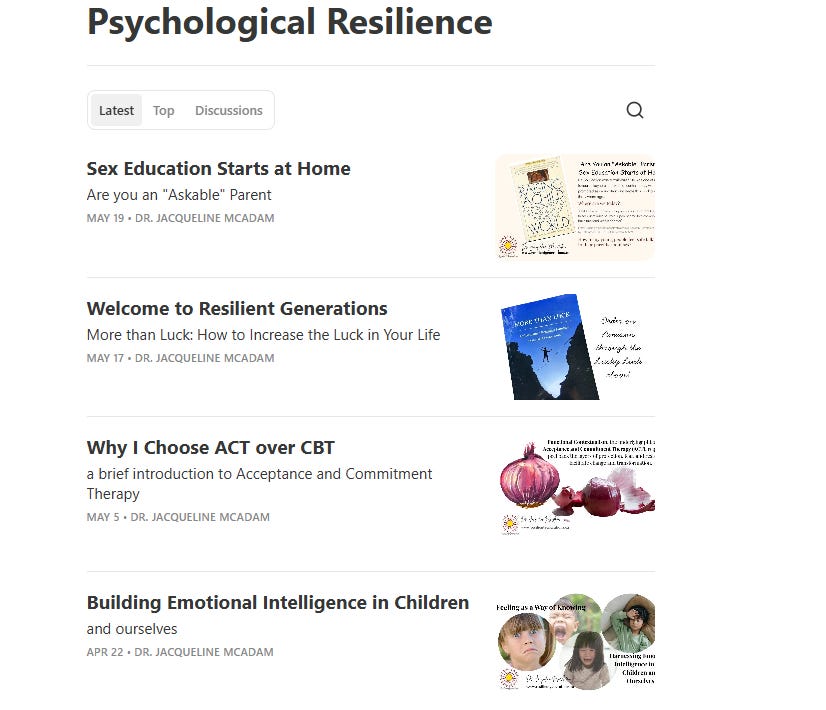
Here are my posts related to Economic Resilience.
My Welcome to Resilient Generations shows up in both because I tagged both areas when I published the post.
I am being told that I am nearing my email length limit. This might be enough for today. I hope you found it helpful. I sure refined my learning.
Please let me know what I might be missing. More to come and hope this was helpful.

This is such a helpful example of thinking out loud while building something. The distinction you’re making between Notes and the website—especially in terms of purpose and audience—feels like a key insight that many people miss early on. Thank you.
Thank you for this breakdown. I'm still new here (arrived on March 29th) and I also find the dashboard vs profile a bit confusing. Your post will help me improve my Sub (asap...)